
Verify Your Yacine TV APK File
A SHA-256 hash is a unique digital fingerprint computed from a file’s own contents. Even the tiniest change to the file — however small — produces a completely different hash, so comparing the hash of the file you downloaded with the official hash published below is the most reliable way to confirm the file is genuine and has not been tampered with or injected with malware.
🔒 Check your Yacine TV APK file — instant verification
Drop your downloaded Yacine-TV APK file below. We calculate its SHA-256 fingerprint right here in your browser and compare it with the verified original file on this page. Your file is never uploaded anywhere.
Tap to choose the APK file or drag & drop it here
.apk files only · works on phone and computer
Already have a SHA-256 hash? Paste it here to compare
Verified original on this site: Yacine-TV_V3.2.apk · 8.4 MB · SHA-256 shown in the verification box above · VirusTotal scanned. If your file does not match, delete it and download again from this website only.
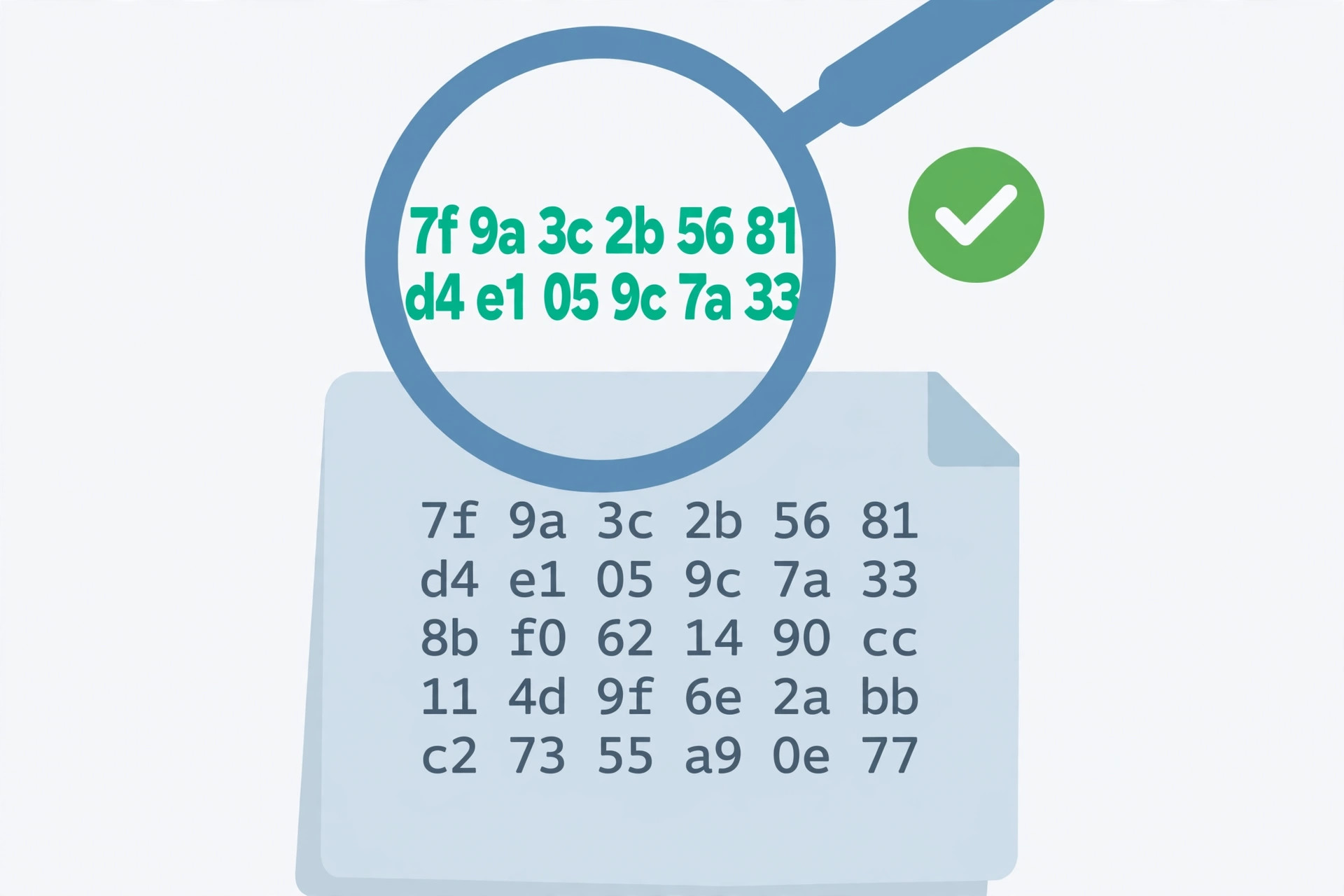
Official File Details
File name: Yacine-TV_V3.2.apk
Size: ~8.4 MB
SHA-256 hash:0cbc222443477b45edbfd4d15033868d910d3758cae38c22204771677ec2de1b
VirusTotal Scan Result
This file was scanned on VirusTotal on 2026-10-04 with the following result: 2 out of 67 security vendors flagged the file. You can view the full, up-to-date scan result at any time on the VirusTotal scan result page.
How to Verify the File Yourself
- Download the APK file only from our site.
- After the download finishes, compute the file’s SHA-256 hash: on your phone you can use hash-checker apps such as Hash Droid, and on a PC you can use built-in system tools or free hash calculator software.
- Compare the resulting hash with the official hash published above — it must match exactly, character for character.
- If the hash does not match, delete the file immediately and do not install it, then re-download it from our site.
What Is SHA-256 and Why Does It Matter?
SHA-256 is a cryptographic hash function — a mathematical algorithm that takes any file, no matter how large, and produces a fixed-length string of 64 hexadecimal characters. Think of it as a digital fingerprint: the hash is computed from the file’s exact contents, so even changing a single byte of the file produces a completely different hash. This property makes SHA-256 ideal for verifying downloads. When we compute the hash of the official APK and publish it on this page, you can compute the hash of the file you downloaded and compare the two. If they match character for character, you know with certainty that your file is byte-for-byte identical to the official one — nothing was added, removed, or altered in transit.
How Hashing Works in Practice
You do not need to understand the mathematics to use it. Free tools on every platform can compute a file’s SHA-256 hash in seconds: Windows has the built-in certutil command, macOS and Linux have the shasum utility, and Android has free hash-checker apps. You run the tool on your downloaded APK, it prints out a 64-character string, and you compare that string with the official hash published on this page. A match means the file is genuine; a mismatch means you should not install it.
Why a Matching Hash Means the File Is Genuine
SHA-256 is collision-resistant, which means it is practically impossible for two different files to produce the same hash. An attacker who modifies the APK — for example by injecting malware — cannot keep the original hash; the modified file will always produce a different one. That is why comparing hashes is far more reliable than just checking the file name or size, both of which are trivial to fake.
How to Verify the Hash on Windows
Windows includes a built-in tool called certutil, so you do not need to install any extra software. Follow these steps:
- Press the Windows key, type “cmd”, and open Command Prompt.
- Navigate to the folder containing the APK, or simply type the full path to the file. Tip: type
certutil -hashfilefollowed by a space, then drag the APK file into the Command Prompt window to paste its path automatically. - Run the command:
certutil -hashfile Yacine-TV_V3.2.apk SHA256 - Wait a few seconds while certutil prints the SHA-256 hash of the file.
- Compare the printed hash with the official hash on this page — every one of the 64 characters must match. You can copy both into a text editor side by side to compare them carefully.
How to Verify the Hash on Mac and Linux
macOS and Linux ship with the shasum utility, which you run from the Terminal:
- Open Terminal — on Mac via Applications, then Utilities, then Terminal; on most Linux desktops with Ctrl+Alt+T.
- Move to the folder containing the APK, for example with
cd ~/Downloads. - Run:
shasum -a 256 Yacine-TV_V3.2.apk - The tool prints the 64-character hash followed by the file name.
- Compare it with the official hash published above. On Linux you can also verify automatically: save the official hash into a checksum file and run
sha256sum -con it — the tool reports OK when the file matches.
How to Verify the Hash on Android
On Android, the easiest method is a free hash-checker app such as Hash Droid from the Google Play Store:
- Install a hash-checker app from the Google Play Store.
- Open it, choose the option to hash a file, then browse to your Downloads folder and select the Yacine TV APK.
- Select SHA-256 as the algorithm and let the app compute the hash — it takes only a few seconds.
- Copy the result and compare it with the official hash on this page. Tip: paste both hashes into a notes app, one above the other, to spot any difference easily.
- If even one character differs, delete the file and download it again from this site.
How to Read VirusTotal Results
VirusTotal is a free service that scans a file with dozens of antivirus engines and shows how many of them flagged it. When you open our scan result page, the headline number — for example “2/67” — tells you how many of the 67 participating vendors detected something. A low number like 2 out of 67, where the detections are labelled heuristic or generic, is very different from a high number like 40/67 with specific malware names attached: the former is typical for legitimate apps distributed outside the Play Store, while the latter is a strong warning sign. Below the headline, the Details tab shows the file’s hashes, size, and signature information — you can confirm the SHA-256 listed there matches the one published on this page. The Community tab may contain comments from other users who analysed the file. Keep in mind that VirusTotal results are a snapshot in time: vendors update their detection engines constantly, so the exact count can shift slightly between scans even though the file itself has not changed.
Why Antivirus Software Sometimes Flags Clean APKs
If a scanner flags the Yacine TV APK, that does not automatically mean the file is malicious. There are well-known reasons why legitimate apps get flagged:
Heuristic and Generic Detections
Modern antivirus engines do more than match known malware signatures; they also use heuristics — educated guesses based on behavioural patterns. Detections named “Generic”, “Heuristic”, “Suspicious”, or “PUA” are the engine saying “this looks somewhat unusual” rather than “this is a known virus”. Apps installed outside the Play Store commonly trigger these warnings because sideloading itself is treated as a risk factor, regardless of what the app actually does.
Independently Distributed Apps
Apps from the Play Store benefit from Google’s distribution chain and the reputation data scanners have built up around them. Independently distributed APKs signed by smaller developers lack that reputation history, so some engines err on the side of caution. The reliable check remains the SHA-256 hash: if it matches the official hash published here, the file is exactly what we released, no matter what a heuristic guess claims.
Red Flags of Fake or Modified APKs
Modified or fake copies of popular apps are a common malware vector. Watch for these warning signs before you install anything:
- The file name, size, or version differs from the official details published on this page.
- The SHA-256 hash does not match the official hash — this is the definitive test.
- The download comes from a site other than yacinetvz.app, especially via pop-up ads, shortened links, or files forwarded in messaging apps.
- The file size is dramatically larger or smaller than the official size of about 8.4 MB.
- The installer asks for excessive permissions unrelated to video playback, or the installed app shows aggressive pop-up adverts.
- Someone asks you to pay for a “full” or “premium” version — Yacine TV is free, and paid copies are scams.
If you notice any of these red flags, delete the file immediately and download a fresh copy from this official site, then verify its hash before installing.
Where to Download Yacine TV Safely
The only download source we can vouch for is this official website, yacinetvz.app. Every APK published here comes directly from us, and its SHA-256 hash is listed on this verification page. Avoid APK mirror sites, file-sharing links, and any other website that claims to offer Yacine TV.
Safety Tips
- Download the app only from this site (yacinetvz.app) and never trust external download links.
- Make sure the file size matches the official size (~8.4 MB) before installing.
- Always compare the SHA-256 hash before installing any new version of the app.
- Keep your Android system and Android System WebView updated so the platform’s own security protections stay current.
- After installing, you can turn “Install unknown apps” back off until the next update.
- If your antivirus flags the file, look at the detection names: generic or heuristic labels on a file whose hash matches are false positives — but specific trojan or spyware names deserve attention, so re-download from this site and re-verify.
- Never install an APK that someone sent you directly when you can download it yourself from the official site instead.
Frequently Asked Questions
Is the Yacine TV APK safe?
Yes, the file is safe. It was scanned on VirusTotal on 2026-10-04 and only 2 out of 67 vendors flagged it — low heuristic detections that are common for APKs downloaded outside the Google Play Store. To verify it yourself, compare the SHA-256 hash of the file you downloaded with the official hash published on this page — if it matches exactly, the file is genuine and untampered.
Why do 2 antivirus scanners flag it?
These are heuristic/generic detections — common false positives for sideloaded APKs. The file’s digital fingerprint (its SHA-256 hash) matches the official hash published on this page, which confirms the file has not been modified since it was released.
How do I verify the file I downloaded?
Compute the SHA-256 hash of the downloaded file and compare it with the hash published on this page. On Windows you can use the built-in certutil command, on Mac and Linux the shasum tool, and on Android a hash-checker app such as Hash Droid. If the 64 characters match exactly, your copy is genuine.
What should I do if the hash does not match?
Delete the file immediately and do not install it. Then download it again from this official site — preferably over a stable connection — and verify the new copy. If the hash still does not match after a fresh download, stop and contact us before installing, because something may be interfering with your downloads.
Do I need to verify the hash every time I update?
It is good practice. Each new version has its own hash, published on this page. Verifying takes less than a minute and guarantees the update file is genuine before you install it over your existing app.
Can I trust the file if only 2 out of 67 scanners flag it?
In this case, yes — the two detections are low-confidence heuristic flags, a common false positive for apps distributed outside the Play Store. The decisive evidence is the SHA-256 hash: because it matches the official hash, the file is byte-for-byte identical to what we published.
The file size on my device looks slightly different. Is that a problem?
Small differences can come from how devices report sizes (megabytes versus mebibytes) or from filesystem rounding. What matters is the hash: if the SHA-256 matches exactly, the file is identical regardless of how the size is displayed. If the size differs by whole megabytes, though, delete it, re-download, and check again.
Is it safe to keep “Install unknown apps” enabled?
It is safer to enable it only for the app you install from — your browser or file manager — and only when you need it. Android 8 and newer support this per-app permission, so everything else stays blocked. You can revoke the permission again after each update for extra peace of mind.