
Yacine TV: Full Guide 2026 for Download, Install, Fixes, and Streaming
Requirement
Android 4.0+
APK Version
V3.2 (Latest)
Size
8.4 MB
Downloads
2M+
Subscription
Free
APp Name
Yacine TV
Yacine TV is one of the most searched streaming apps for live football, Arabic commentary, and free TV channels. It is especially popular in Tunisia, Morocco, Algeria, Egypt, Indonesia, and Bangladesh where fans want a simple way to follow the Champions League, Premier League, La Liga, and local tournaments.
In this guide, we cover everything about Yacine TV features, how to download the APK, install it on different devices (Android, Smart TV, PC, iPhone), fix common problems like buffering or server errors, and what to know about safety and legality.
What Is Yacine TV?
Yasine TV is a mobile-first streaming app that lets users watch sports, movies, news, and kids channels in one place. It became famous because of:
- Live football streaming with Arabic commentary.
- beIN SPORTS coverage for Champions League and big matches.
- Simple APK that works on most Android phones, Smart TVs, and TV boxes.
- HD streaming up to 1080p when the internet is strong.
- Chromecast support for watching on a bigger screen.
Unlike many official apps, Yacine TV is lightweight, easy to use, and does not need complicated sign-up.
Yacine TV Features (Why People Use It)
Live Sports Channels
Football fans choose Yacine TV to follow:
Champions League and Europa League
Premier League, La Liga, Serie A, Ligue 1
CAF Champions League and AFCON qualifiers
Local leagues and friendly matches

Arabic Commentary and Regional Channels
Most streams include Arabic commentary, which is a major reason this TV is popular in North Africa and the Middle East. The app also lists:
News channels
Kids entertainment
General entertainment

HD and Adaptive Quality
Yacine TV supports HD quality (720p and 1080p). If internet speed is low, the app auto-adjusts to reduce buffering.

Lightweight APK
The Yasine TV APK file is small and installs quickly. This makes it useful for users with older phones or limited storage.

Chromecast and Smart TV Support
You can cast streams directly to your Chromecast, Fire Stick, or Smart TV. On Android TV, you can also side load the app.

Notifications for Matches
The app can notify you about important matches and live events.
Yacine TV Download and Installation Guide
Yacine TV APK for Android
Since Yacine TV is not available on the Google Play Store, many users search for Yacine TV APK download. Steps:
- Download the APK file from a trusted source.
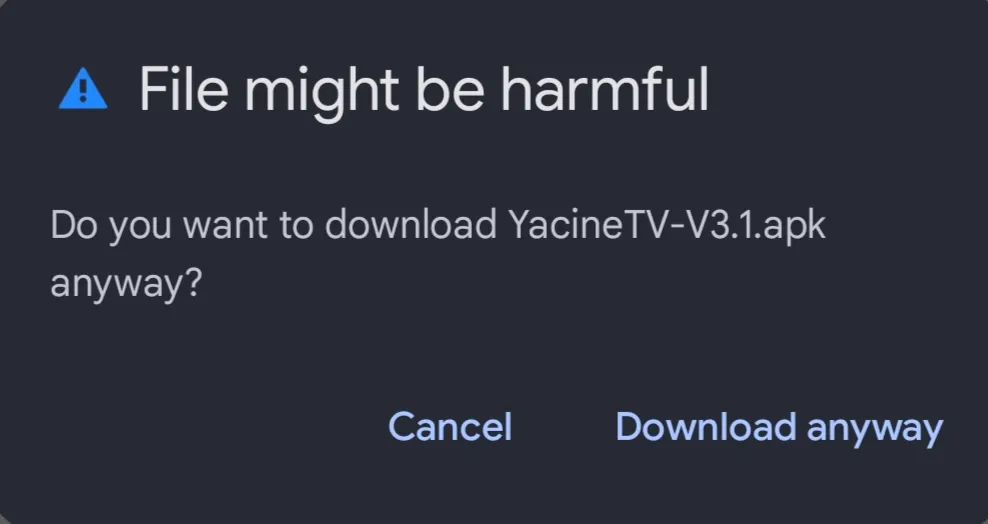
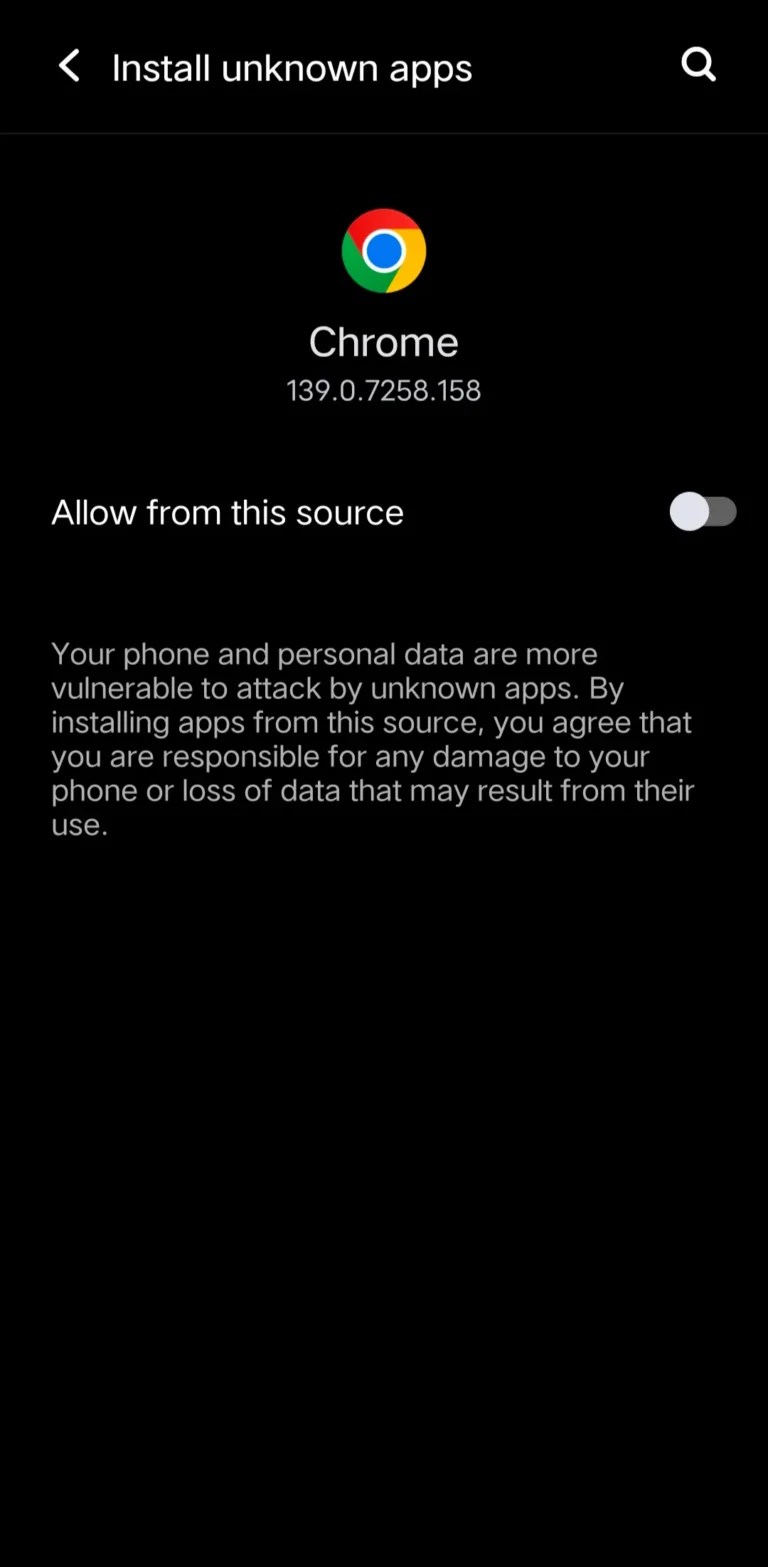
- Enable Install Unknown Apps for your browser or file manager.
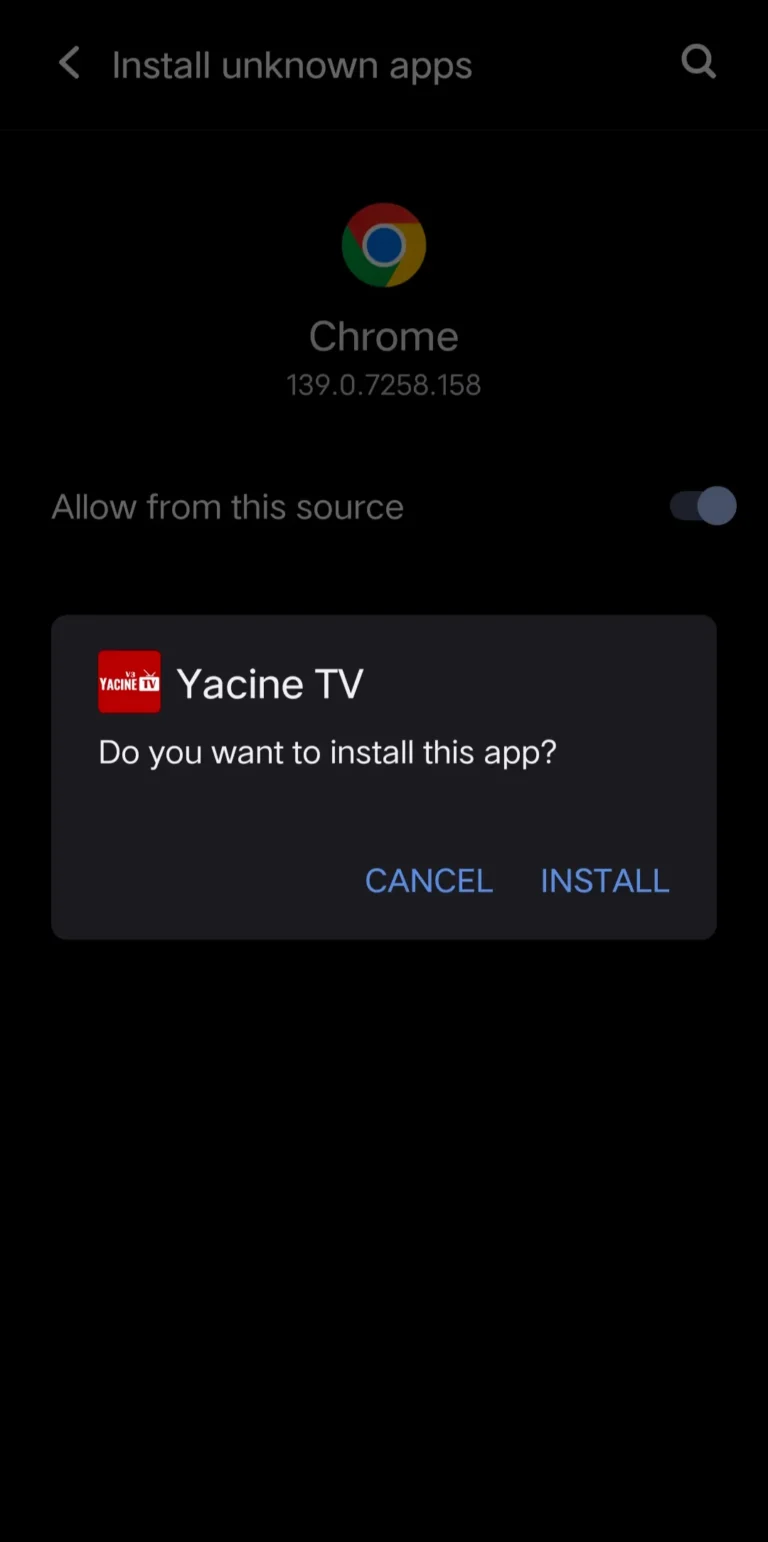
- Install Yacine TV APK on your Android phone.
- If required, install an external player like YTV Player.
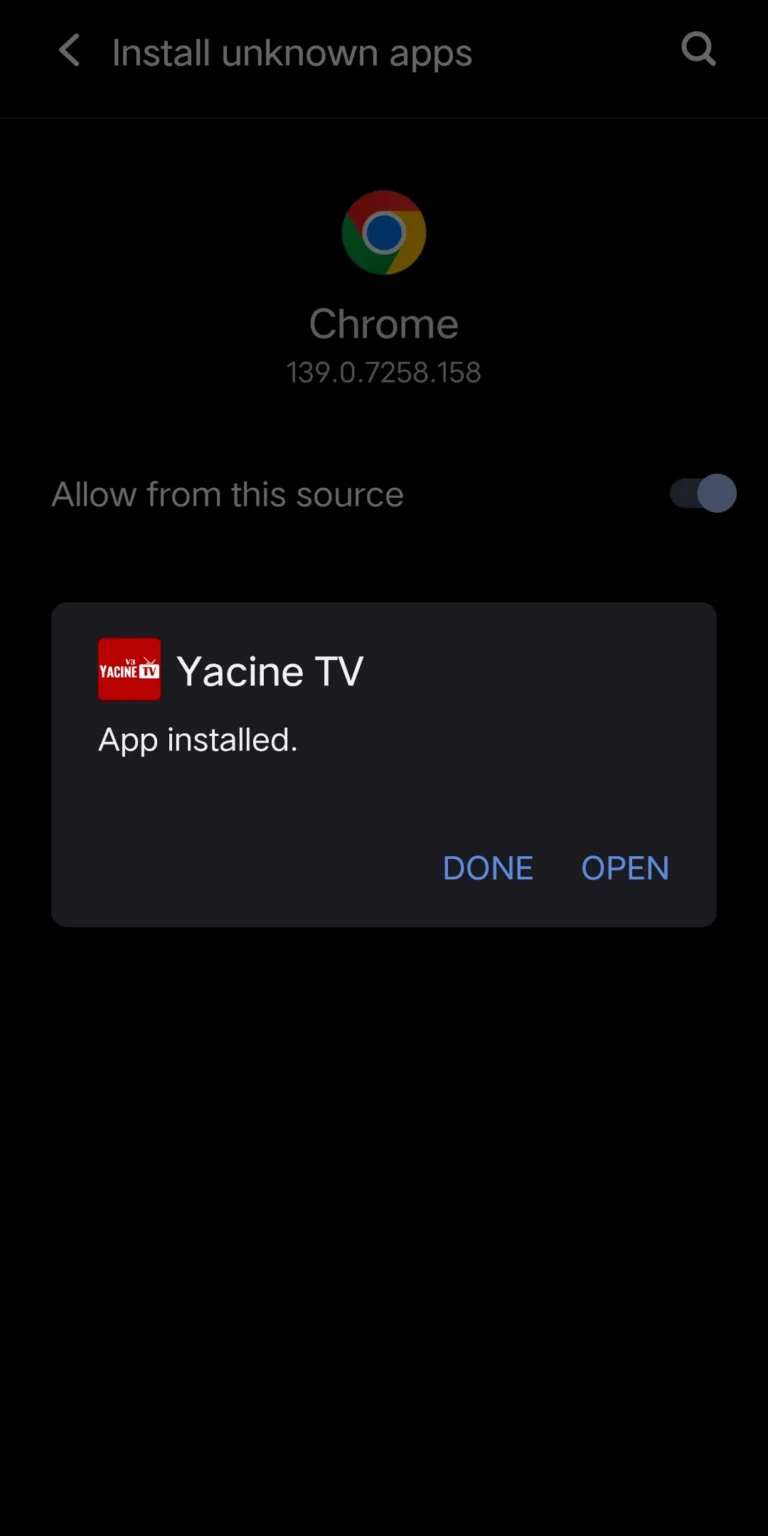
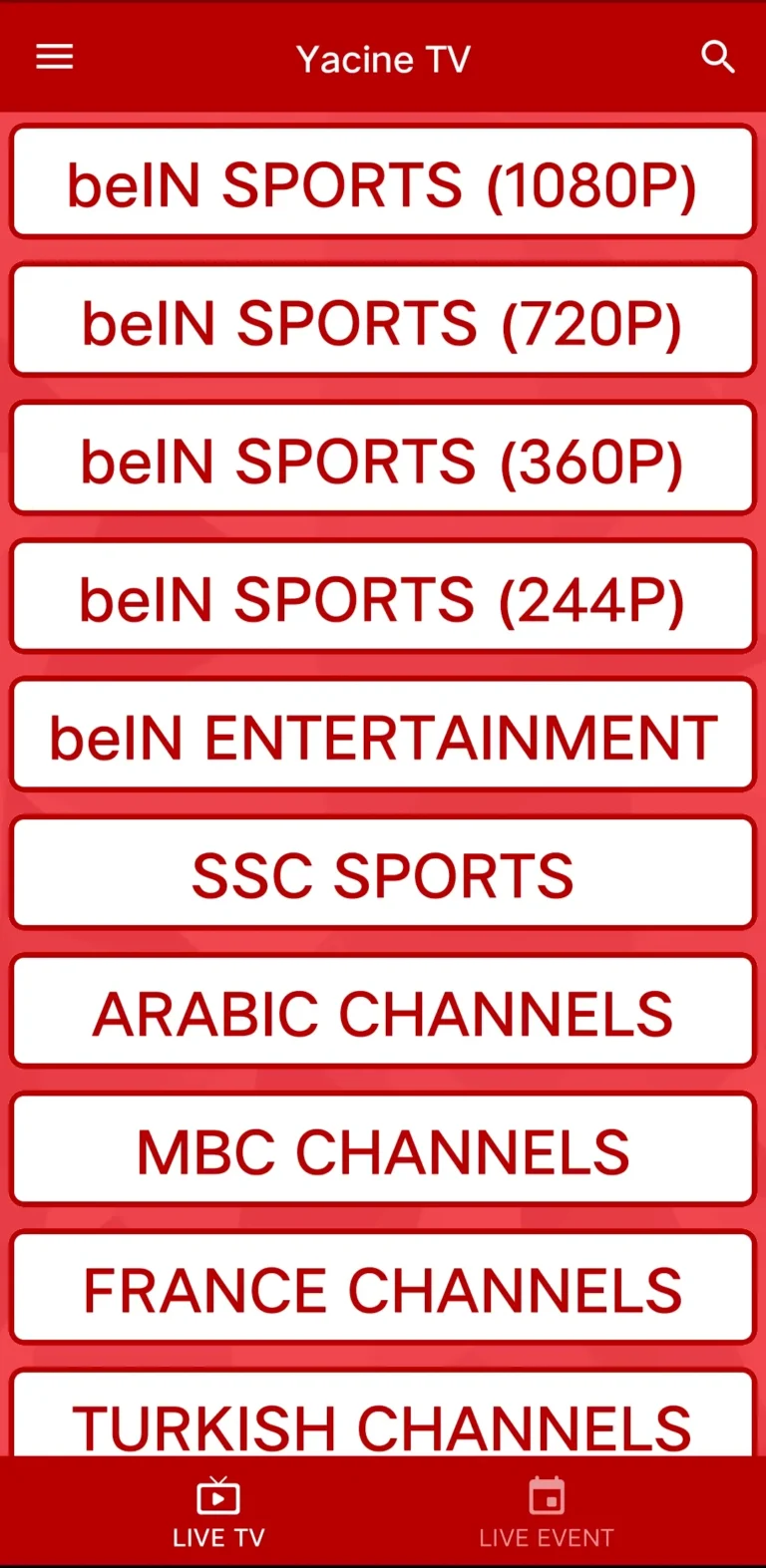
- Open the app and explore categories.
Tip: Only download Yacine TV APK from safe sources to avoid malware.
After downloading, you can Verify Your Yacine TV APK File to confirm it’s genuine, and check the Yacine TV Update Changelog for the latest version.
🔒 Verify your download before installing
We publish the official SHA-256 fingerprint of every release so you can confirm your file is 100% genuine and untouched.
- File name:
Yacine-TV_V3.2.apk - Version: V3.2 (latest) | Size: 8.4 MB
- Official SHA-256:
0cbc222443477b45edbfd4d15033868d910d3758cae38c22204771677ec2de1b - VirusTotal scan: only 2 of 67 engines flagged it (2026-10-04) — low-risk heuristic detections, normal for APKs outside the Play Store
Last updated: October 16, 2026
Install Yacine TV on Smart TV / Android TV
- Use a file manager to sideload the APK.
- Check if your remote works with the app menus.
- If not, use an air-mouse or phone remote app.
- Alternatively, cast directly from your Android phone via Chromecast.
Yacine TV on Windows PC or Mac
- Install an Android emulator such as BlueStacks or LDPlayer.
- Download the Yacine TV APK inside the emulator.
- Install and run it like on a phone.
Yacine TV for iPhone (iOS)
Currently, there is no official Yacine TV app for iPhone or iPad. iOS users usually choose official broadcaster apps or legal streaming platforms.
How Yacine TV Works
User Experience in Yacine TV App
Splash Screen and Main Menus
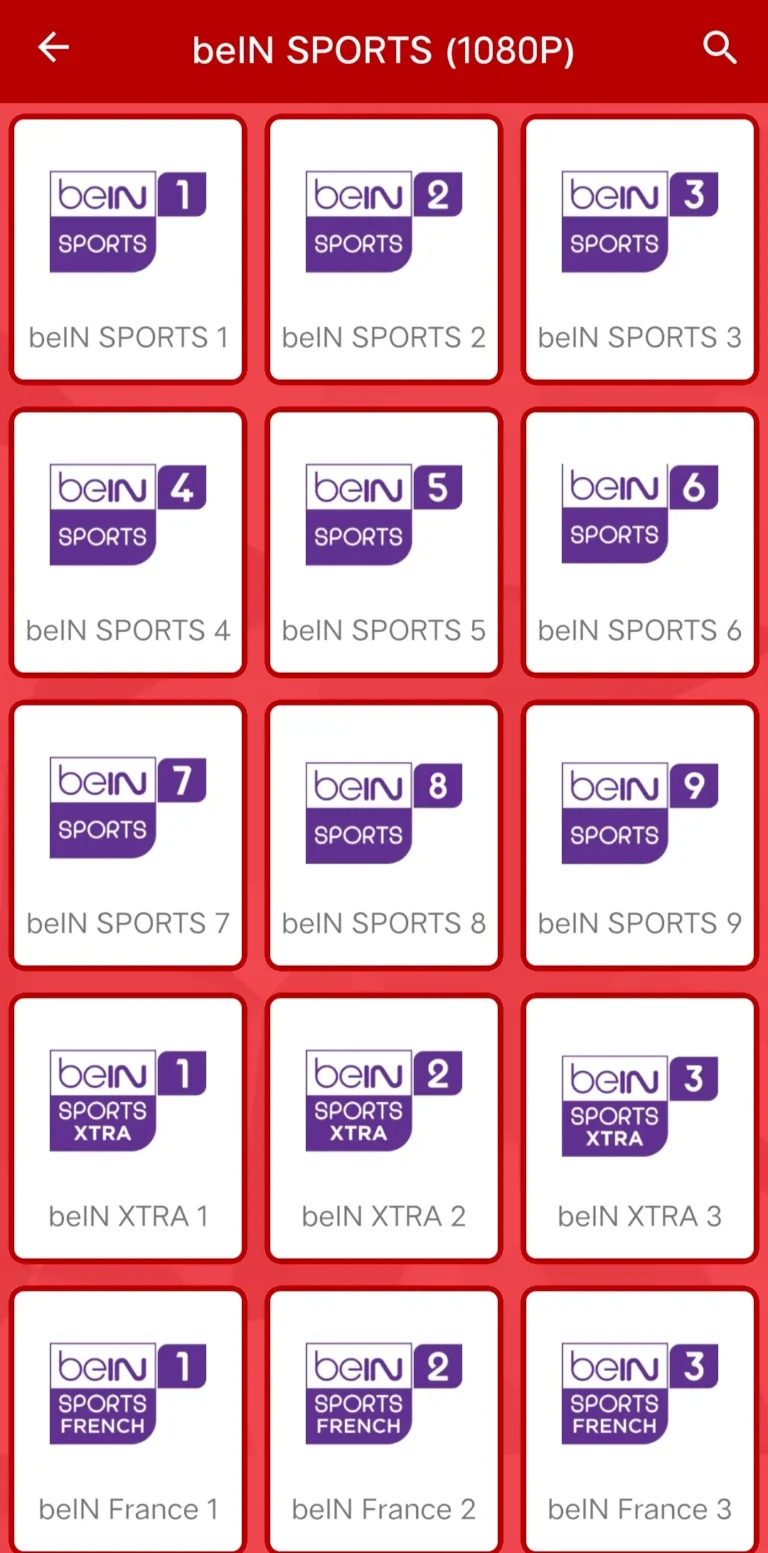
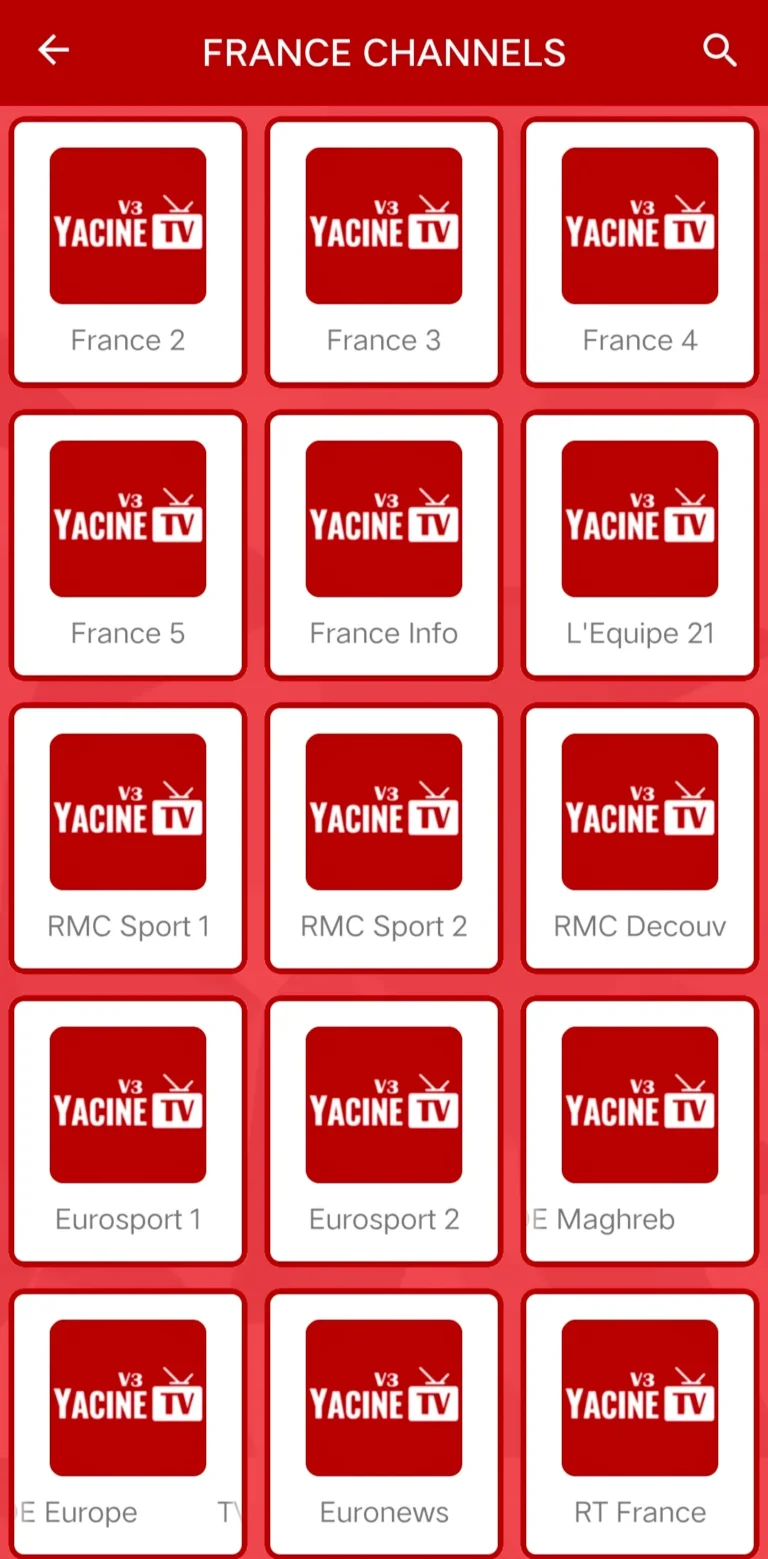
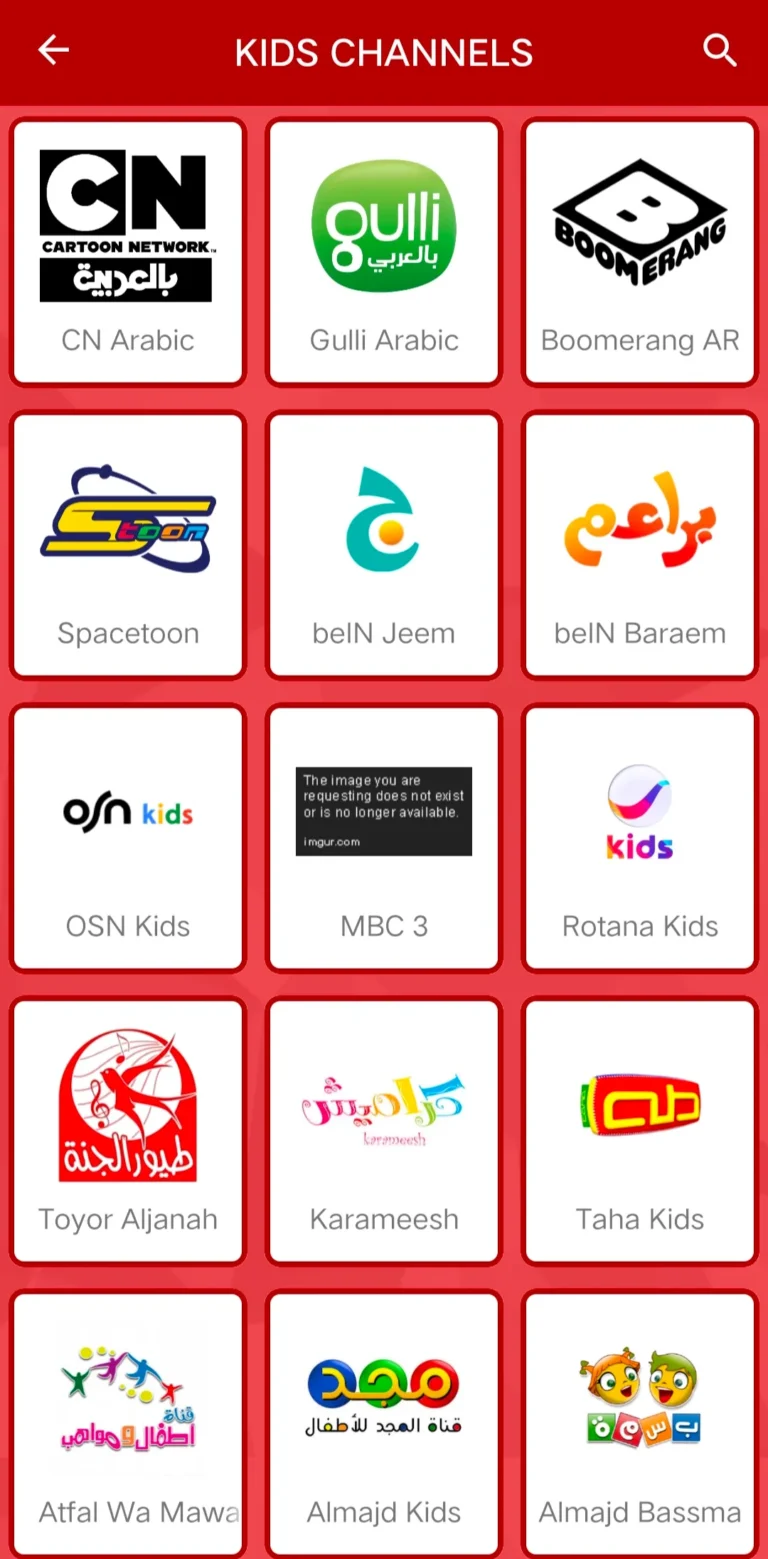
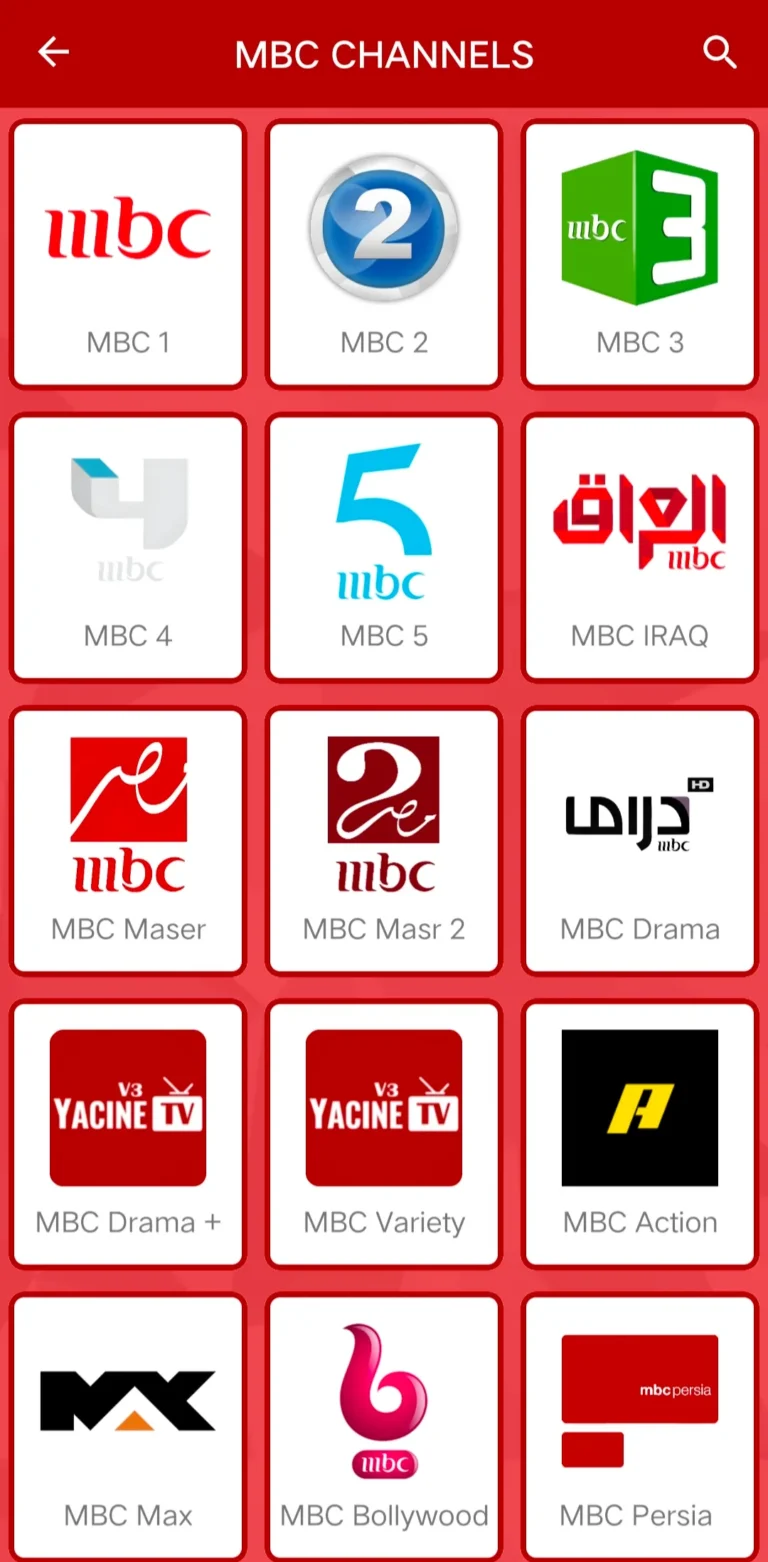
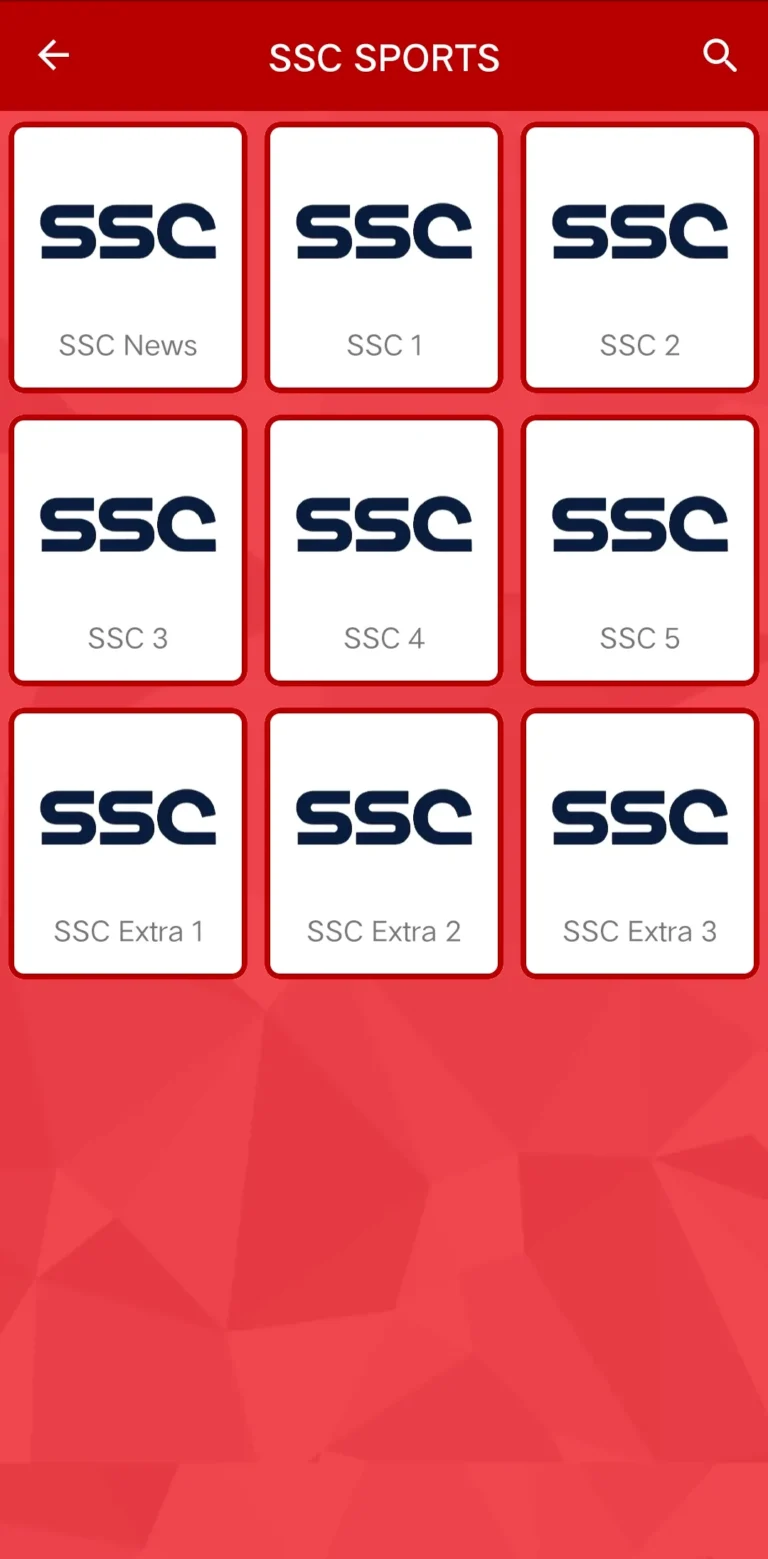
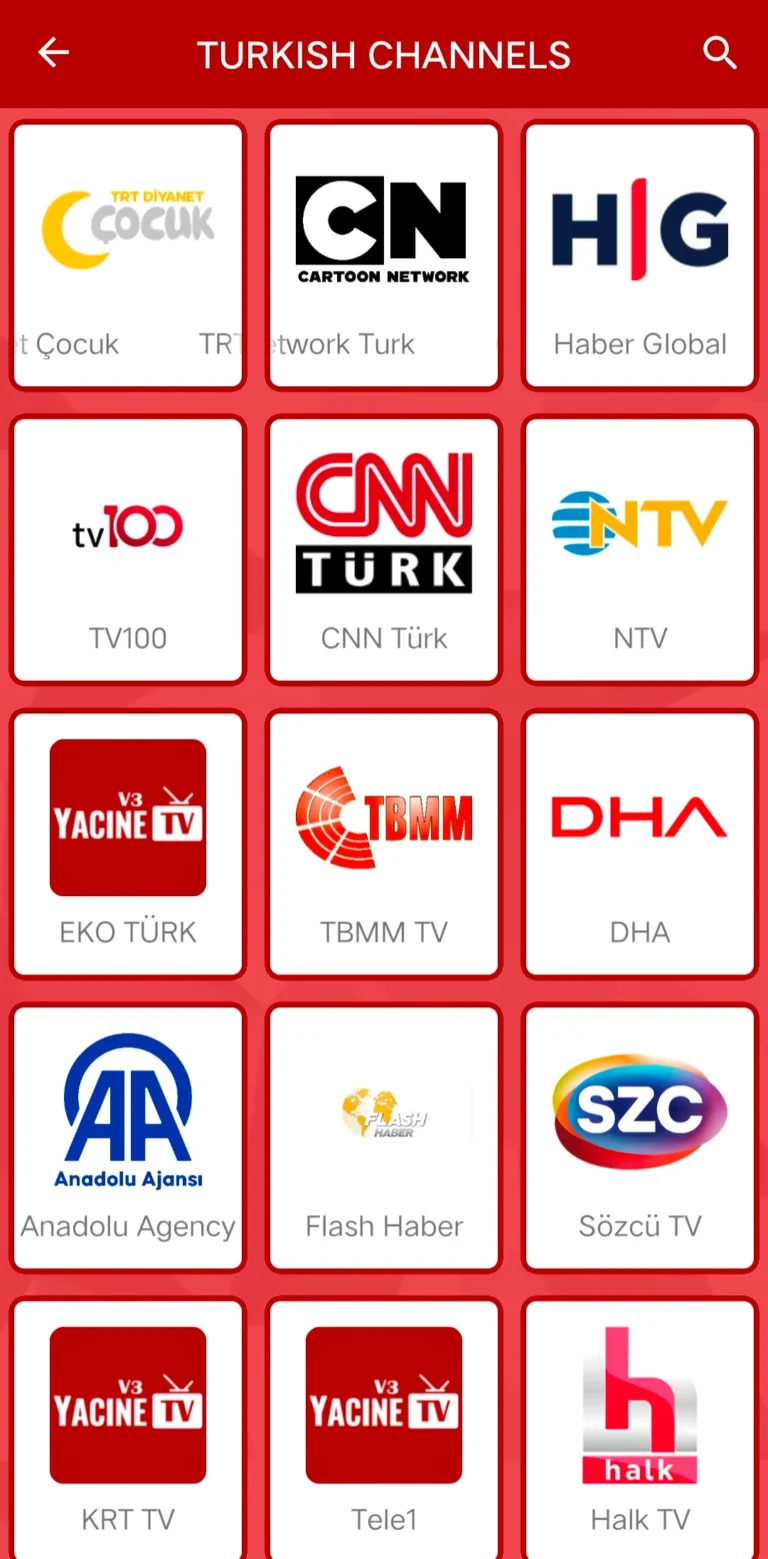
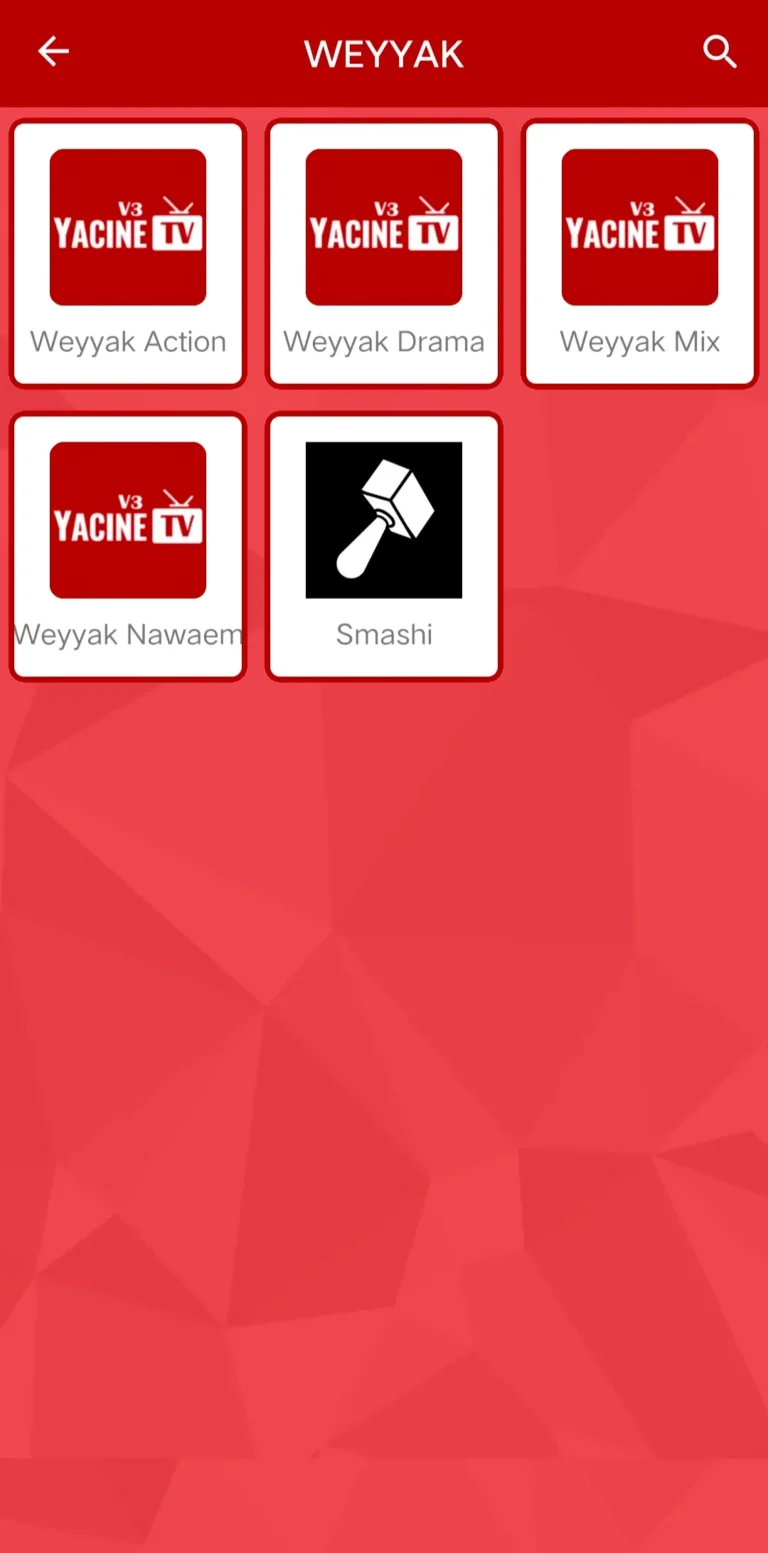
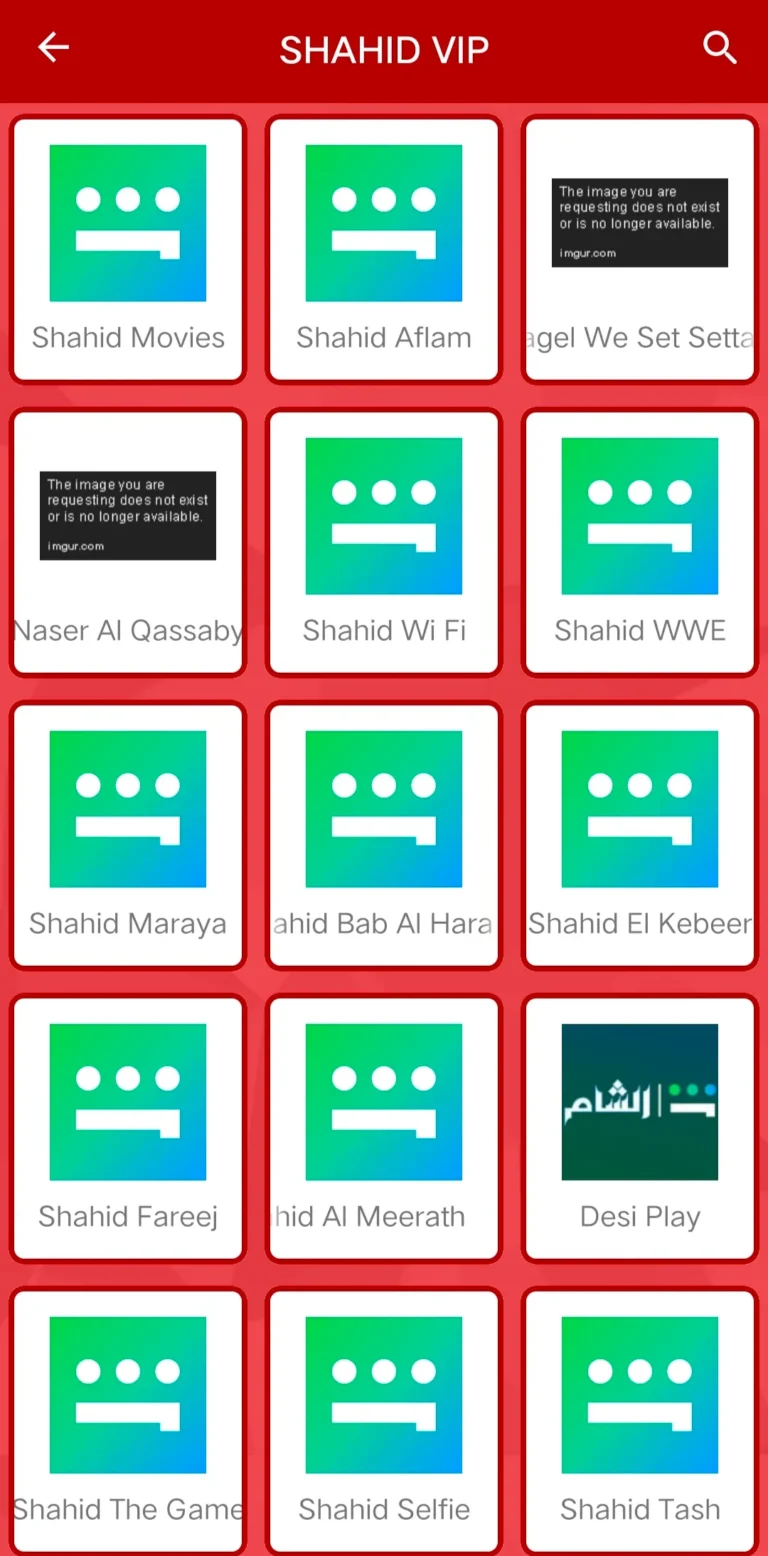
When you open the Yacine TV app for the first time, you’re immediately presented with a list of channels divided into 13 different categories:

- beIN SPORTS (1080P)
- beIN SPORTS (720P)
- beIN SPORTS (360P)
- beIN SPORTS (244P)
- beIN Entertainment
- SSC Sports
- Arabic Channels
- MBC Channels
- French Channels
- Turkish Channels
- Kids Channels
- WEYYAK
- Shahid VIP
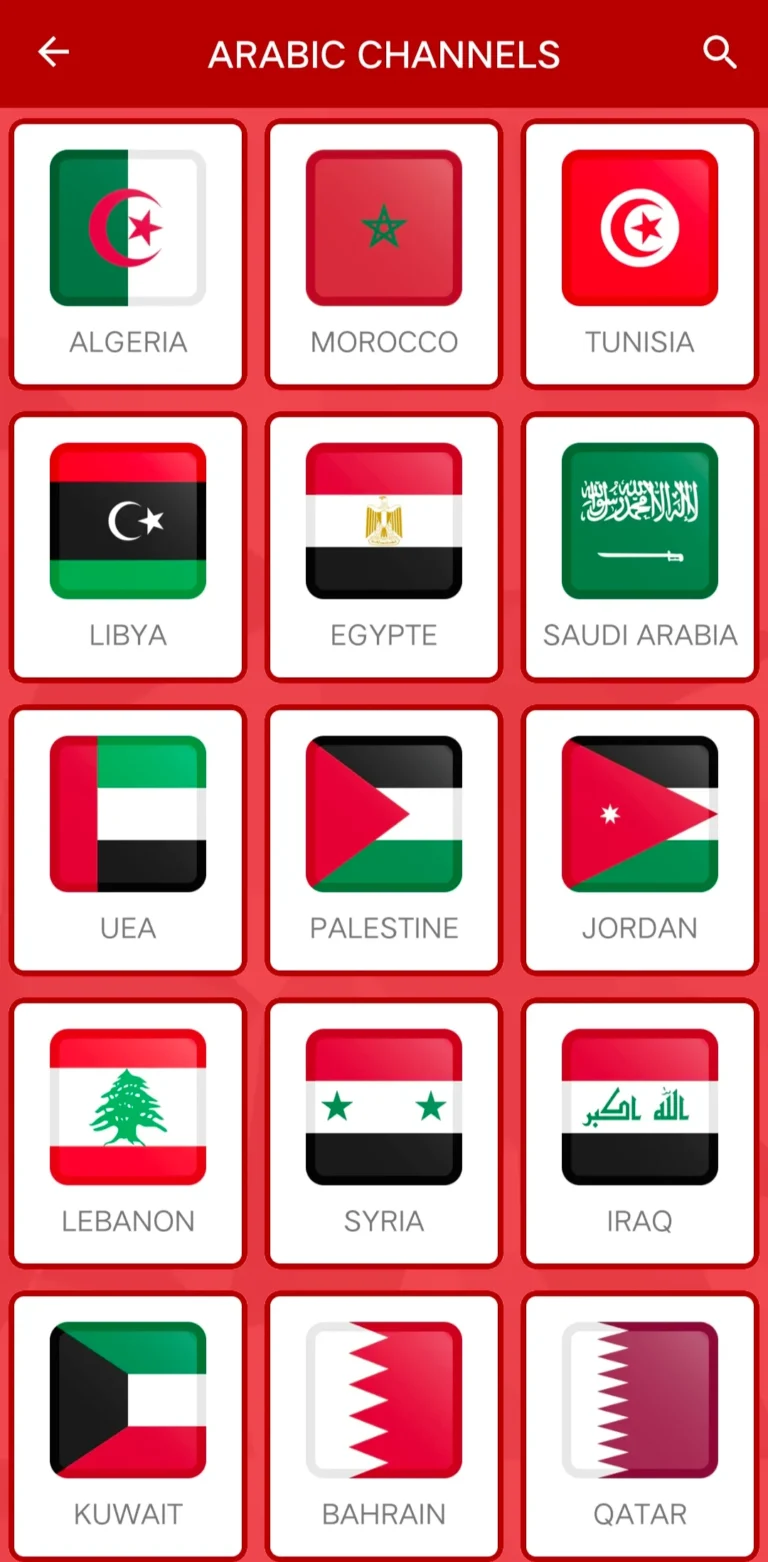
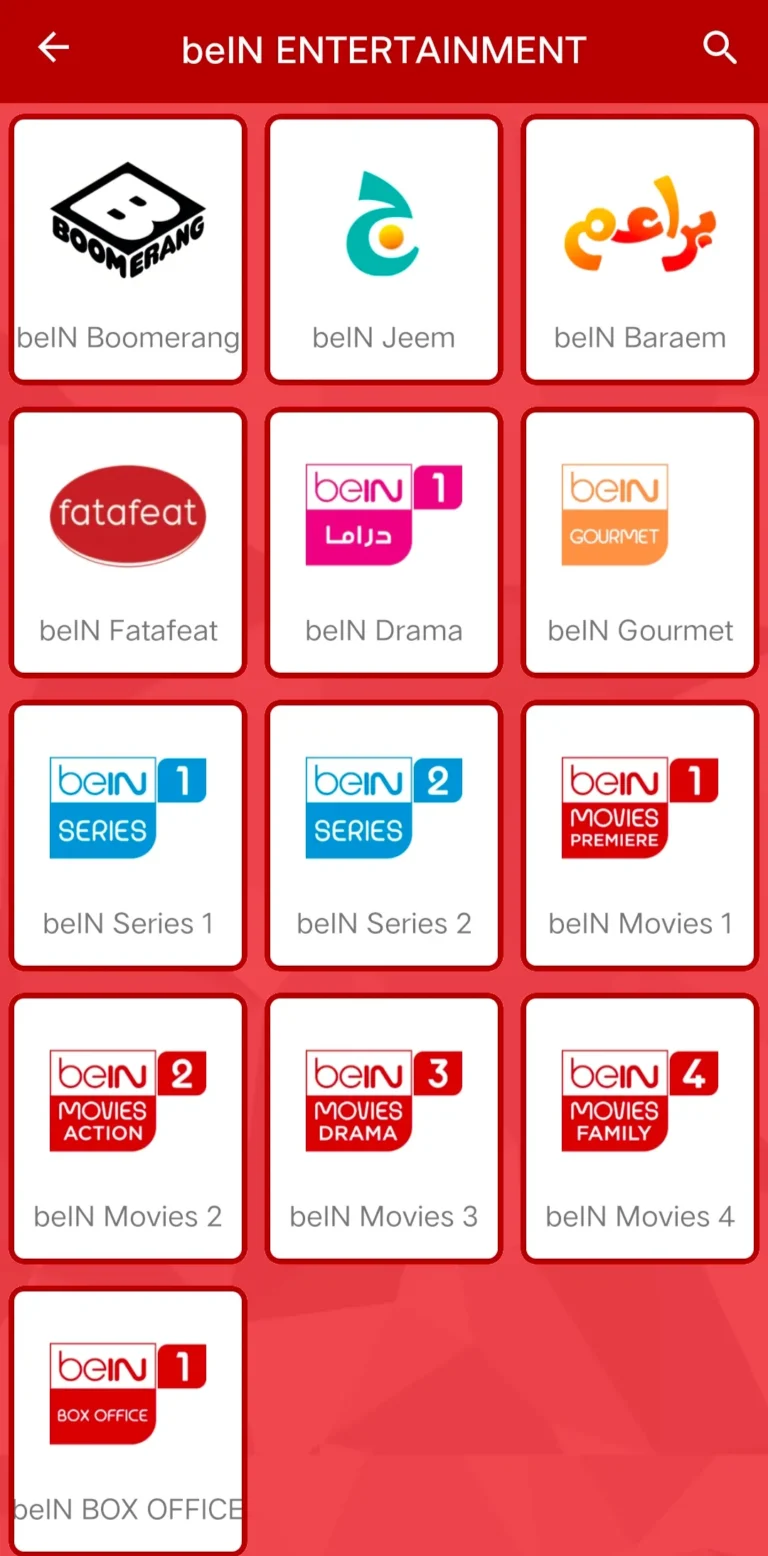
Sidebar Menu Icon (Hamburger)
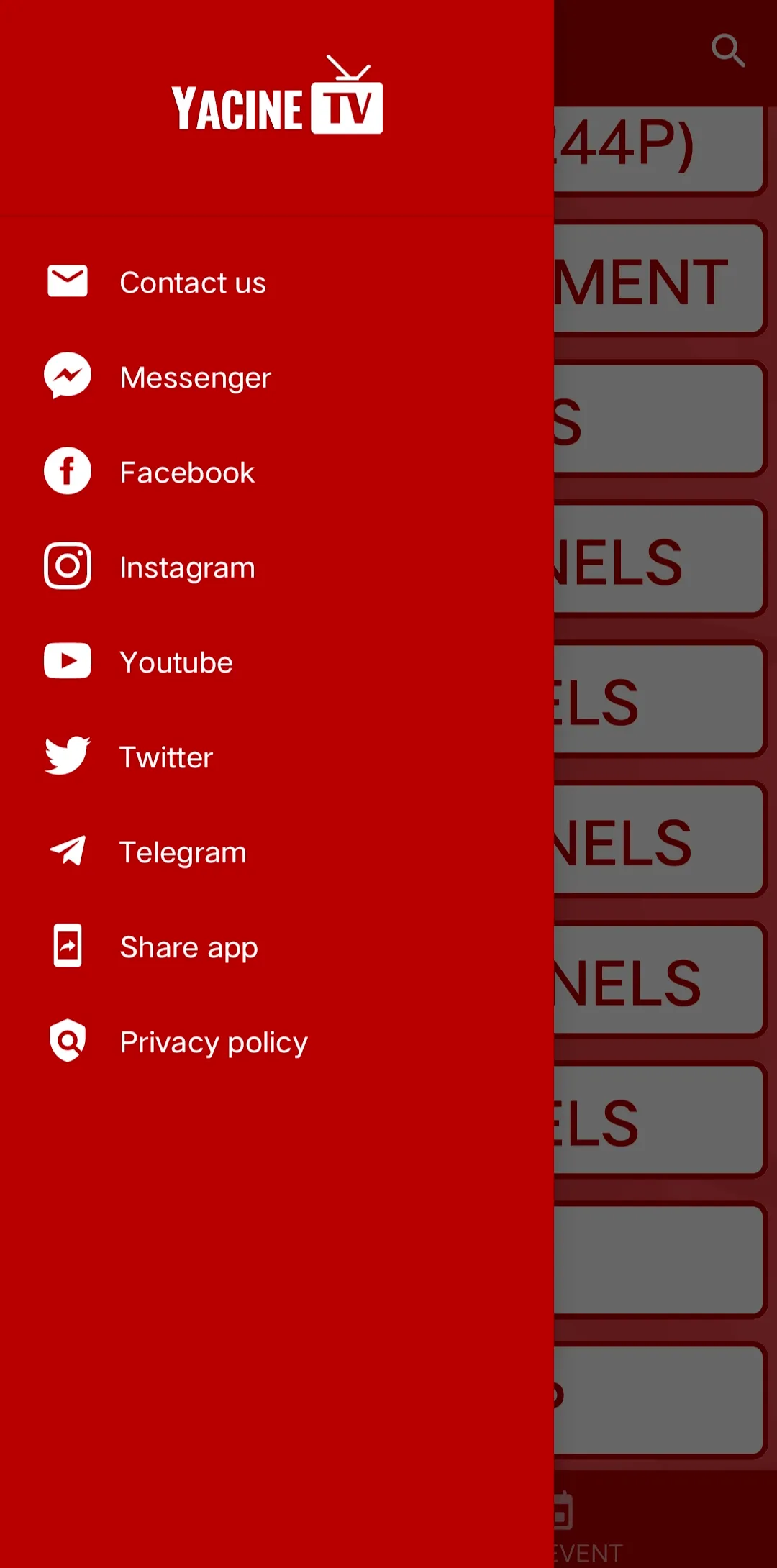
At the top left of the screen, you’ll find a sidebar (hamburger) icon. When tapped, it opens a menu that includes:
- Links to Yacine TV’s social media accounts.
- Legal pages related to the app.
Search Icon
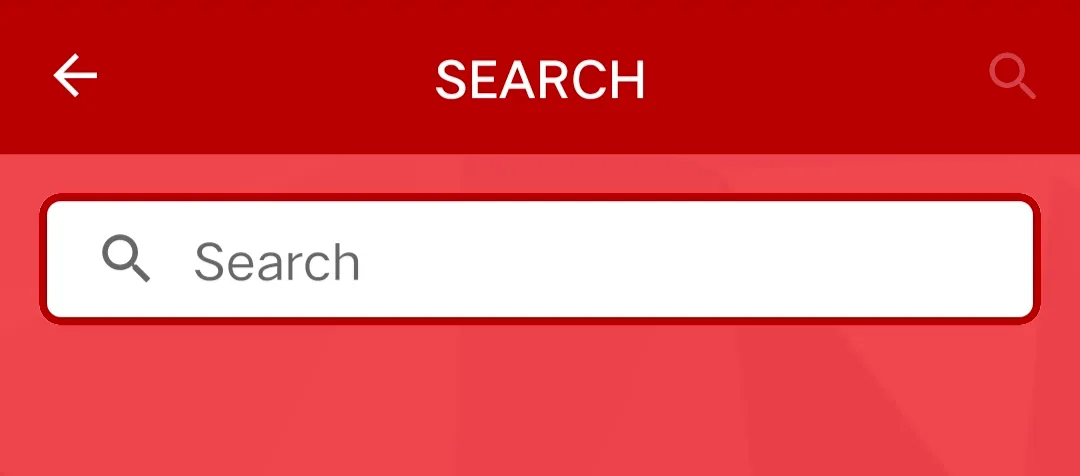
At the top right of the screen, there is a search icon. It allows you to quickly type the name of the channel or category you want to watch, instead of scrolling through the long list.
Bottom Menu Options (Live TV & Live Events)
At the bottom of the screen, a bar appears with two main options:
- Live TV → Takes you to all 13 channel categories, where you can browse them with images or screenshots.
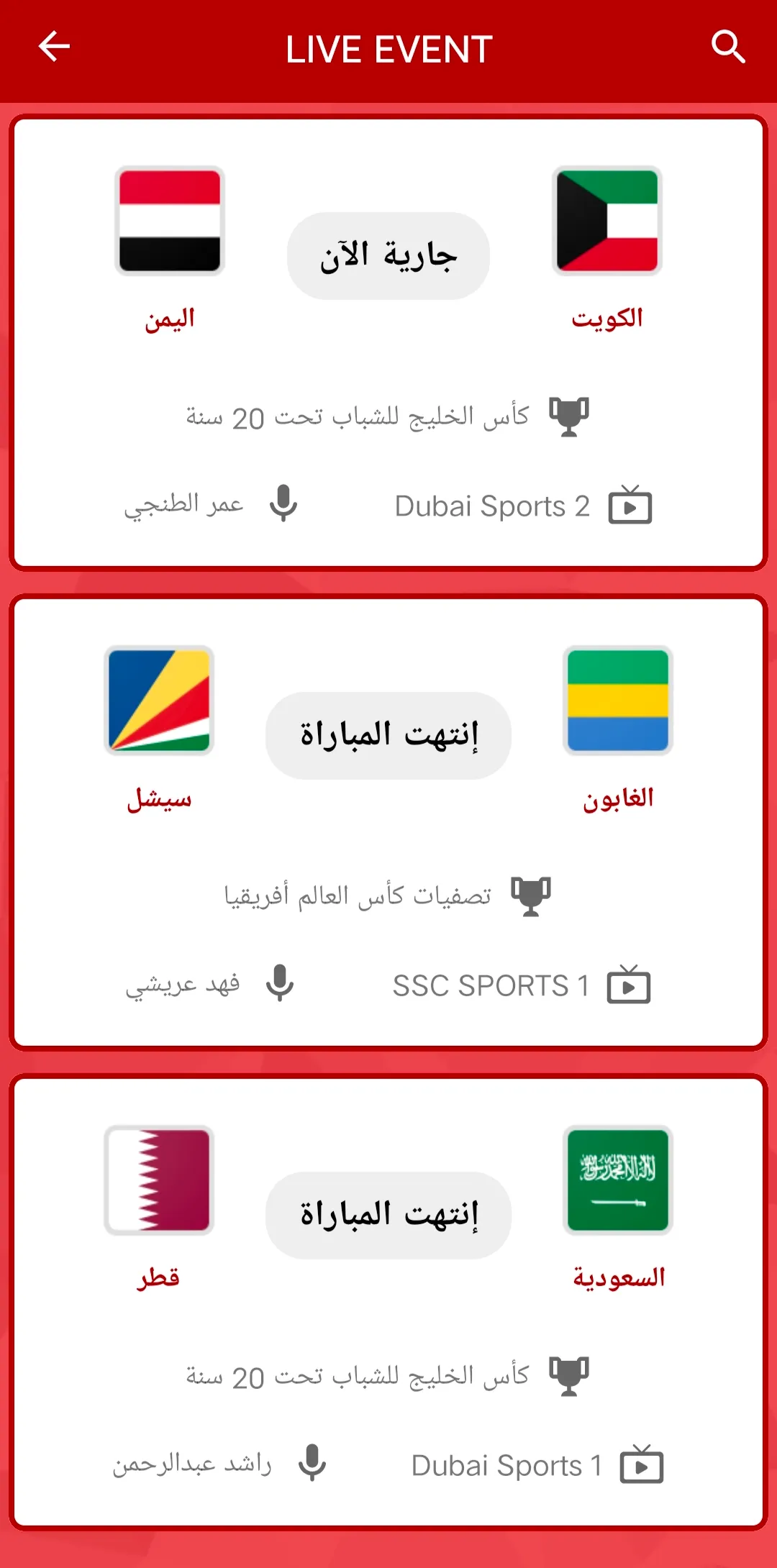
- Live Events → Shows you matches or sports tournaments that are currently being broadcast live.
Common Yacine TV Problems and Fixes
Yacene TV Not Working Today
- Try another link or channel.
- Restart your phone or the app.
- Change from Wi-Fi to mobile data.
Buffering and Lag
- Use faster internet (5 GHz Wi-Fi or 4G/5G).
- Close background apps.
- Lower stream quality.
Server Errors (403, 404, Timeout)
- Clear cache in Settings → Apps → Yacine TV.
- Check device date and time.
- Reinstall the APK if needed.
Black Screen or No Video
- Switch to an external player like YTV Player.
- Restart your device.
Chromecast Casting Issues
- Confirm both devices are on the same Wi-Fi.
- Restart Chromecast and your phone.
- Update Google Home and Yacine TV App.
If the problem persists after trying these fixes, you’ll find a detailed walkthrough for every error in our guide: Fix Yacine TV errors.
Advantages and Disadvantages of Yacine TV
Pros
Cons
Is Yacine TV Safe and Legal?
For a deeper look at this topic, read our full guide: Is Yacine TV safe?
Yacine TV Updates, Old Versions, and No Ads Versions
Users often look for:
- Yacine TV 2026 update: brings bug fixes and new features.
- Old versions: some devices work better with older APKs.
- No ads versions: many are unsafe or modified. Be careful.
Yacine TV Alternatives (Licensed Options)
If Yacine streaming TV app is not working, or if you want legal coverage, consider official apps like:
These services guarantee stable quality and rights-approved streams.
Yacine TV Performance Tips
FAQs: Users Questions About Yacine TV
Disclaimer
This article is for educational and informational purposes only. We host Yacine TV files for download on our site, but we are not the owner of Yacine TV. Always respect copyright laws and choose legal options when possible.
Final Thoughts on Yacine TV
Yacine TV has become one of the most searched streaming apps across regions like Tunisia, Morocco, Algeria, Egypt, Indonesia, and Bangladesh. Its appeal comes from live football streams, Arabic commentary, and HD playback on devices ranging from Android phones to Smart TVs.
Still, users should be aware of the legal and safety issues that come with third-party APKs. While the app provides access to exciting content, it is not always stable, secure, or officially licensed. That is why many fans use Yacine TV as a quick option but rely on licensed alternatives for guaranteed quality.
If you plan to use Yacine TV in 2026, remember these key points:
- Download APKs only from safe, trusted sources.
- Install external players like YTV Player for smoother streaming.
- Fix buffering by improving your network or lowering quality.
- Keep in mind that legality varies across countries.
Yacine TV can be a useful tool for sports fans, but safe practices and awareness of your local laws are essential.